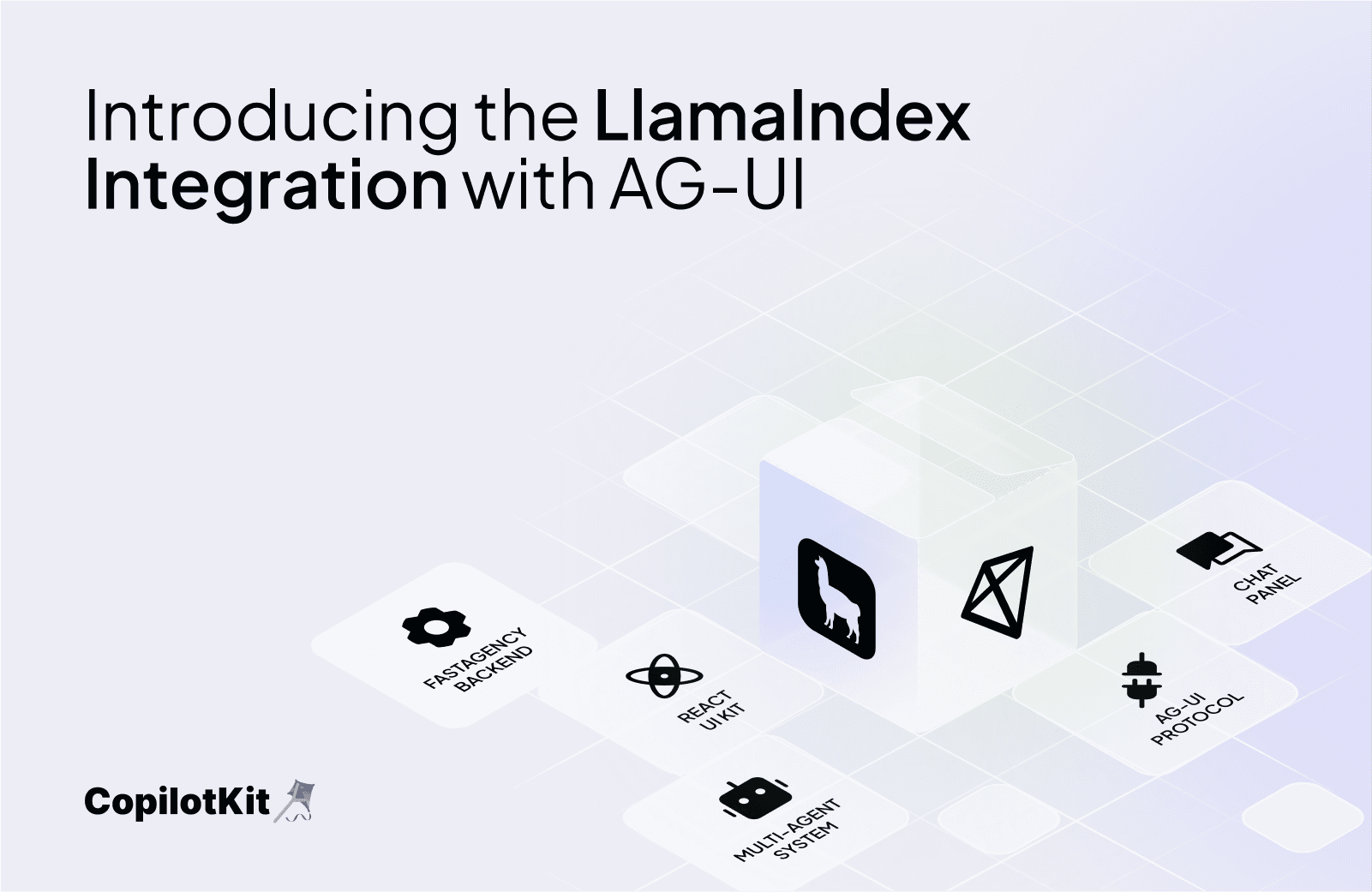
It’s been a big month for CopilotKit’s AG-UI project, which launched just over a month ago!
Since then, both CopilotKit and AG-UI have seen strong adoption, and today we’re celebrating with a wave of new features and updates. We’re also excited to announce that LlamaIndex integration is joining the celebration with the launch of their official AG-UI integration!
If you’re just tuning in, AG-UI is a protocol that makes it easy to bring agents out of the backend and into direct interaction with users. The protocol can work with any end-user facing UI – a web app, a desktop application, or any existing chat application. CopilotKit is a first-class client to the protocol, focusing on bringing agents into interaction with users through modern web frontends in React.
Getting started is easy, just pip install the integration:
pip install llama-index-protocols-ag-uiThen you can create an AG-UI compatible FastAPI router in one line of code! This creates an agent, and provides it with tools that it can use on the frontend or the backend to complete user tasks.
(See the full documentation for deeper explanations when defining these tools.)
agentic_chat_router = get_ag_ui_workflow_router(
	llm=OpenAI(model="gpt-4.1"),
	frontend_tools=[change_background],
	backend_tools=[],
	system_prompt="You are a helpful assistant that can change the background color of the chat.",
	initial_state=None,  # Unused in this example
)
On the frontend, this will allow you to include the CopilotChat React component
import { CopilotChat } from "@copilotkit/react-ui";Which can then be instantiated to give you simple access to your agent:
return (
    <div className="flex justify-center items-center h-full w-full" style={{ background }}>
      <div className="w-8/10 h-8/10 rounded-lg">
        <CopilotChat
          className="h-full rounded-2xl"
          labels={{ initial: "Hi, I'm an agent. Want to chat?" }}
        />
      </div>
    </div>
  );
CopilotKit works seamlessly with the AG-UI protocol to route user requests to frontend or backend tools to achieve their goals. A lot of messy boilerplate is abstracted away, letting you focus on your business logic and user experience.
We’re delighted to add to AG-UI’s already impressive momentum. If you want to build your own agentic frontend using LlamaIndex and CopilotKit, check out these resources:

Subscribe to our blog and get updates on CopilotKit in your inbox.