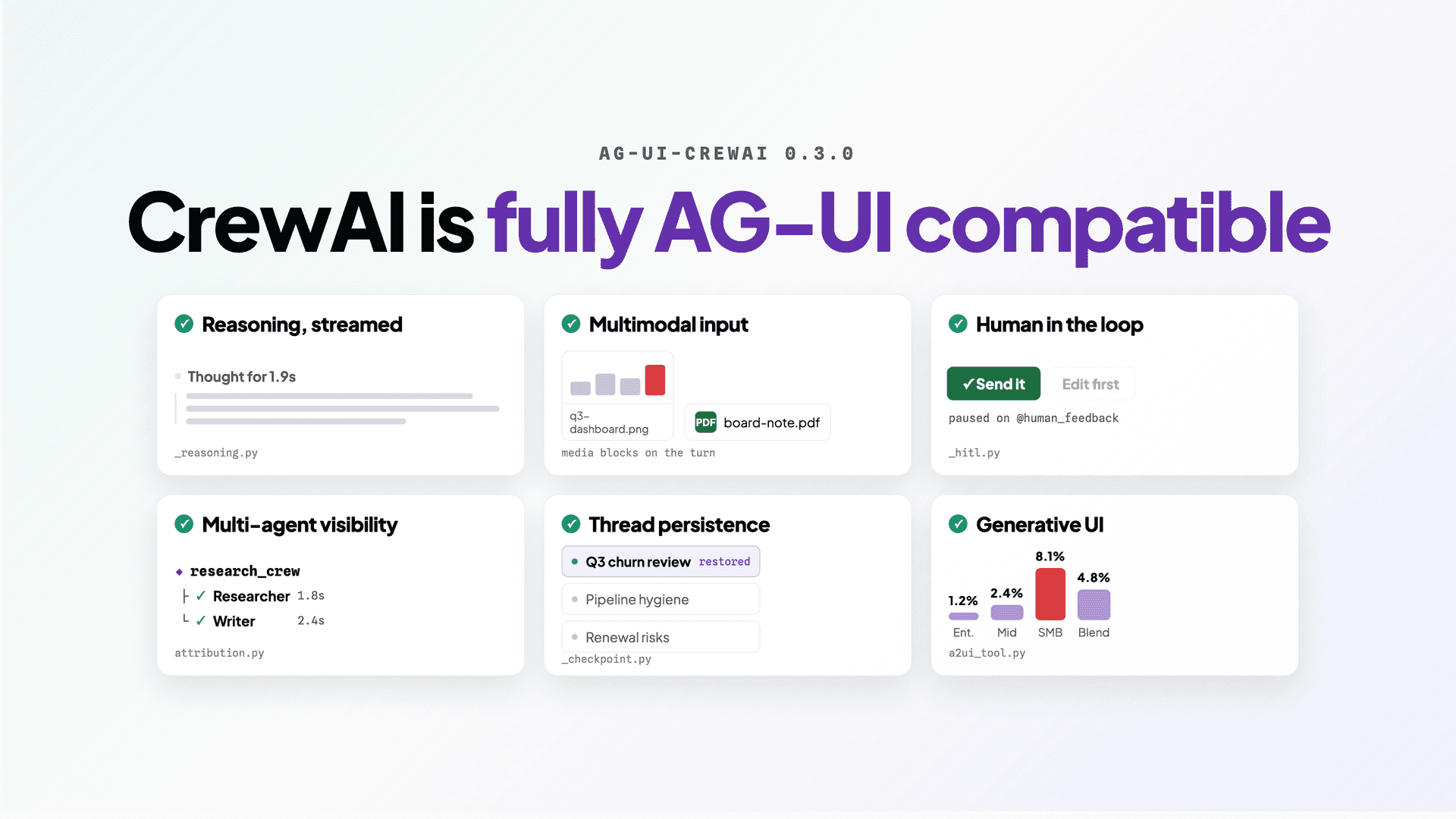
ag-ui-crewai 0.3.0 is out. CrewAI Flows now stream the full AG-UI event surface — reasoning, multimodal input, human-in-the-loop interrupts, multi-agent attribution, thread persistence and generative UI — so any AG-UI client can render a crew without hand-rolling a transport.
pip install ag-ui-crewai (PyPI)npx copilotkit@latest init --framework crewai-crewsBuild a CrewAI crew, then try to put a real interface in front of it, and the UI has to fake everything the terminal gave you for free. Reasoning arrives as one block at the end, if at all. An approval step means hand-rolling pause-and-resume. A crew nested in a flow collapses into one undifferentiated stream of text.
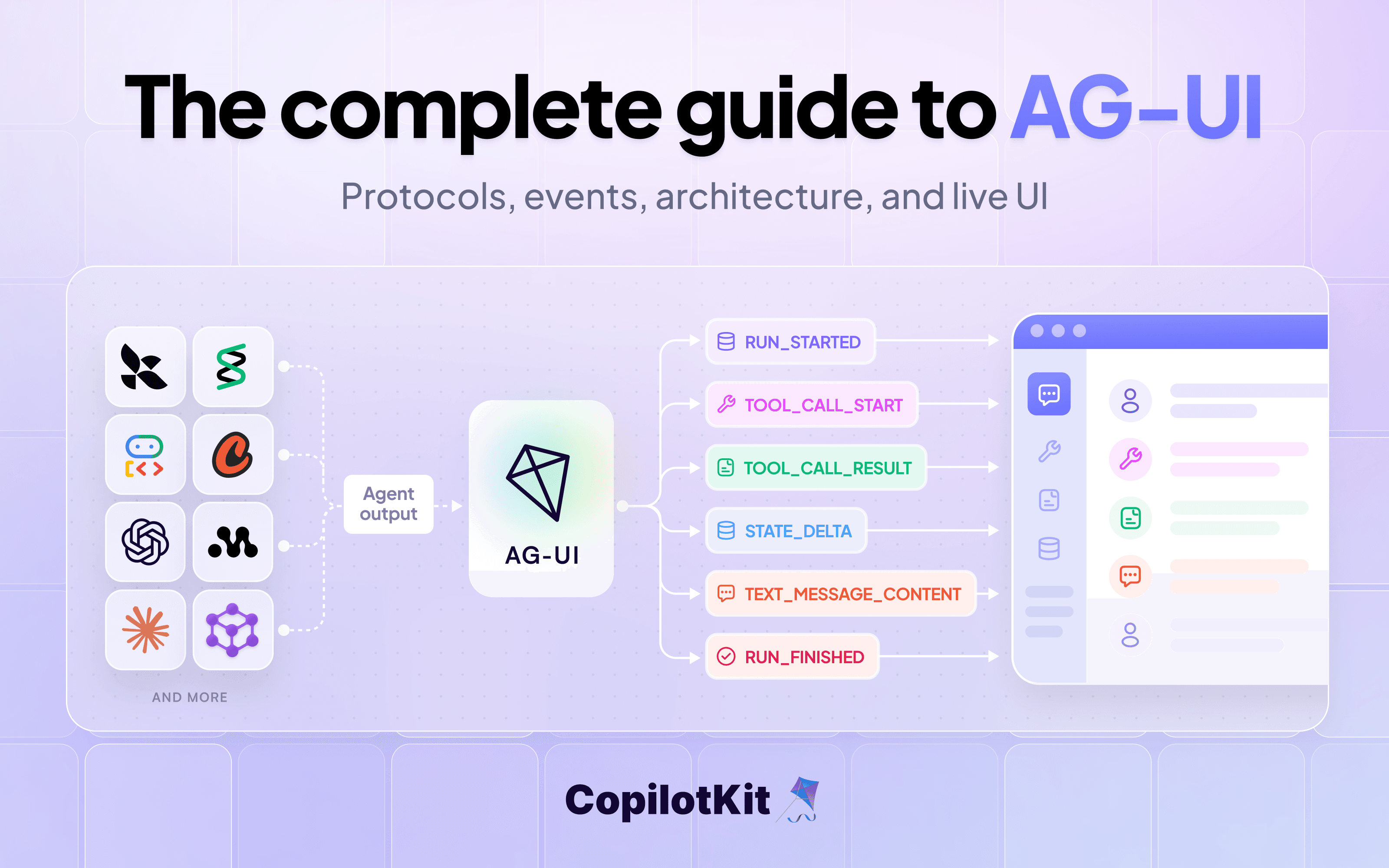
ag-ui-crewai is the AG-UI protocol implemented for CrewAI. It turns a Flow into a streaming HTTP endpoint any AG-UI client can render: reasoning, tool calls, state, interrupts and generated UI arrive as typed events rather than a blob of text, so the frontend stays the same frontend no matter which framework is underneath it.
0.3.0 is the release where that surface is complete, with regular Flows and Conversational Flows both at full showcase parity.
from crewai.flow.flow import Flow, start
from ag_ui_crewai import add_crewai_flow_fastapi_endpoint
from fastapi import FastAPI

app = FastAPI()
add_crewai_flow_fastapi_endpoint(app, MyFlow(), "/flow")
That's the integration! Your Flow doesn't change — it gains an endpoint that streams AG-UI events.
ChatWithCrewFlow wrapper; broader Crew support is separate work.Agent or Crew run server-side and surface to the client as a tool call plus a result event, so the UI renders them without executing the tool. Needs crewai 1.6+, and a tool returning structured data should return a JSON string.CREWAI_CHECKPOINTConversational Flows are CrewAI's session-aware, turn-based Flows, entered through stream_turn rather than kickoff. They get the same treatment as regular Flows: the same event translation, state synchronization, tools, reasoning, multimodal content, interrupts and generative UI support. Opt the Flow into CrewAI's public conversation API, then register the endpoint with conversational=True:
add_crewai_flow_fastapi_endpoint(app, MyConversationalFlow(), "/conversational-flow", conversational=True)Detection is capability-based, not version-gated: the bridge needs the StreamFrame transport plus that public turn API. If the installed runtime can't provide both, the endpoint emits a correlated RUN_ERROR rather than quietly falling back to regular kickoff semantics, so a misconfiguration fails where you can see it.
One caveat worth knowing before you hit it: CrewAI builds a Flow's graph from the attributes defined directly on the subclass, so a subclass that only sets conversational = True inherits none of the base Flow's @start and @listen methods and runs an empty graph, which means your steps silently never fire. Re-copy the base's flow methods onto the conversational type.
Every capability above is running in a browser right now, no install required: the CrewAI Flows showcase hosts 38 live demos built against the real integration.
That includes the ones this release made possible — reasoning rendered both by the built-in chat and through a custom message slot, human-in-the-loop in-chat, in-app and headless, multimodal image and PDF attachments, sub-agent delegation with a live delegation log, per-token state streaming and bidirectional shared state, and A2UI generative UI in dynamic-schema, fixed-schema and error-recovery variants.
To run the same starter locally:
npx copilotkit@latest init --framework crewai-crews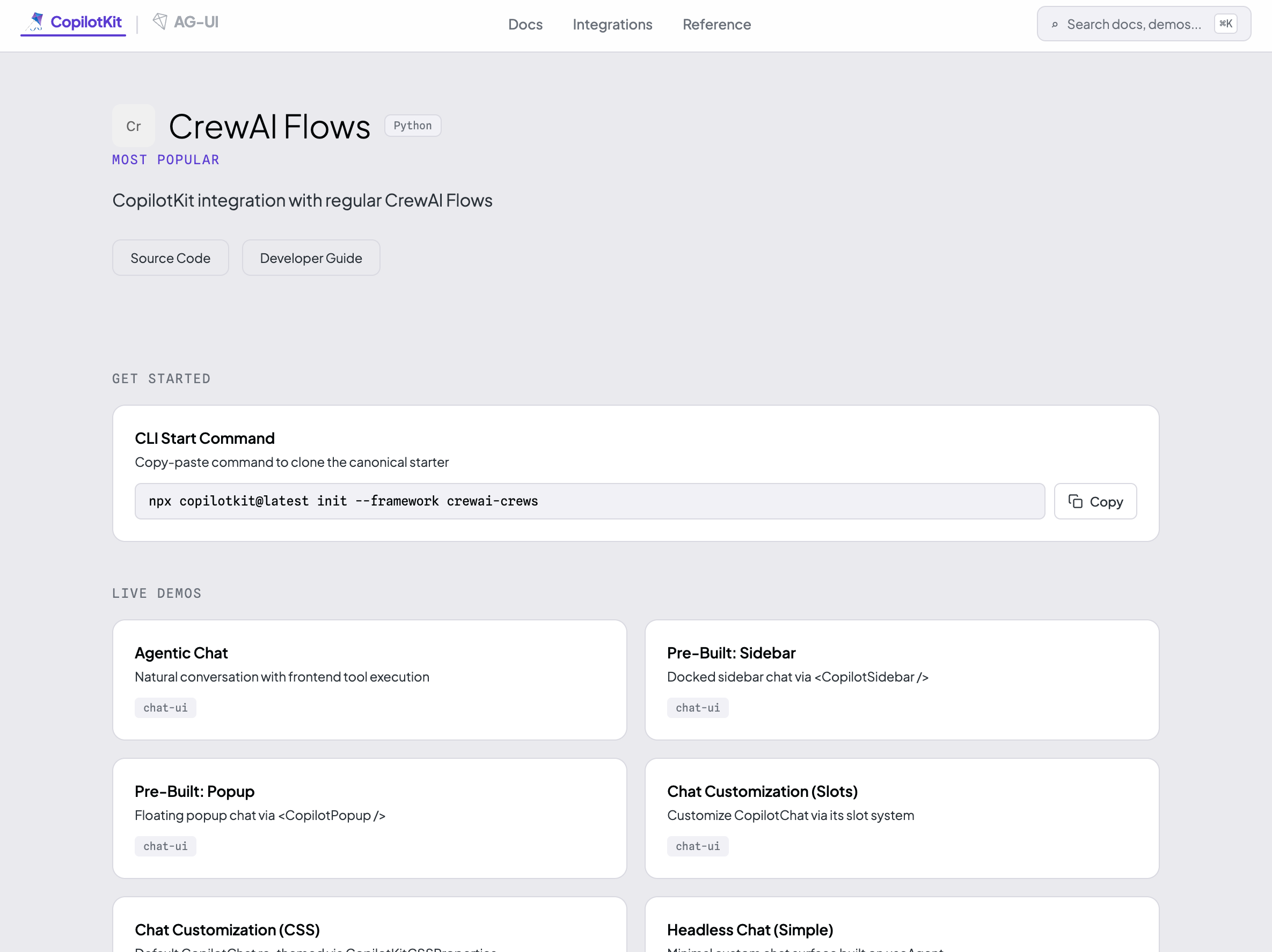
Pass the interrupt-outcome flag when you register the endpoint:
add_crewai_flow_fastapi_endpoint(app, MyFlow(), "/interrupt", emit_interrupt_outcome=True)On CopilotKit 1.61.2 and newer, resume only works through the structured outcome. The legacy channel renders the interrupt fine, but its resolve sends nothing back, so the run kicks off again and re-pauses — an infinite loop. Unit tests and curl won't catch it; it only surfaces through the runtime.
The floor is crewai>=1.0,<2. The bridge probes for capabilities at runtime rather than gating on version strings, so an older install gets a working bridge with fewer features instead of a crash. What each feature actually needs:
Multimodality is honest about its edges. Images and PDFs are validated end to end; audio, video and documents currently route through the same image channel and may be rejected by strict providers. Native per-type mapping is a known gap rather than a shipped feature.
pip install ag-ui-crewaiMIT-licensed, open source, from the team at CopilotKit. If you're building on CrewAI and you want it in front of real users, this is the layer that gets it there.
Want to bring CopilotKit into your stack? Talk to our engineers and we'll help you set it up.
Follow CopilotKit on Twitter for updates. If you get stuck, reach out in the CopilotKit or AG-UI communities.
Subscribe to our blog and get updates on CopilotKit in your inbox.