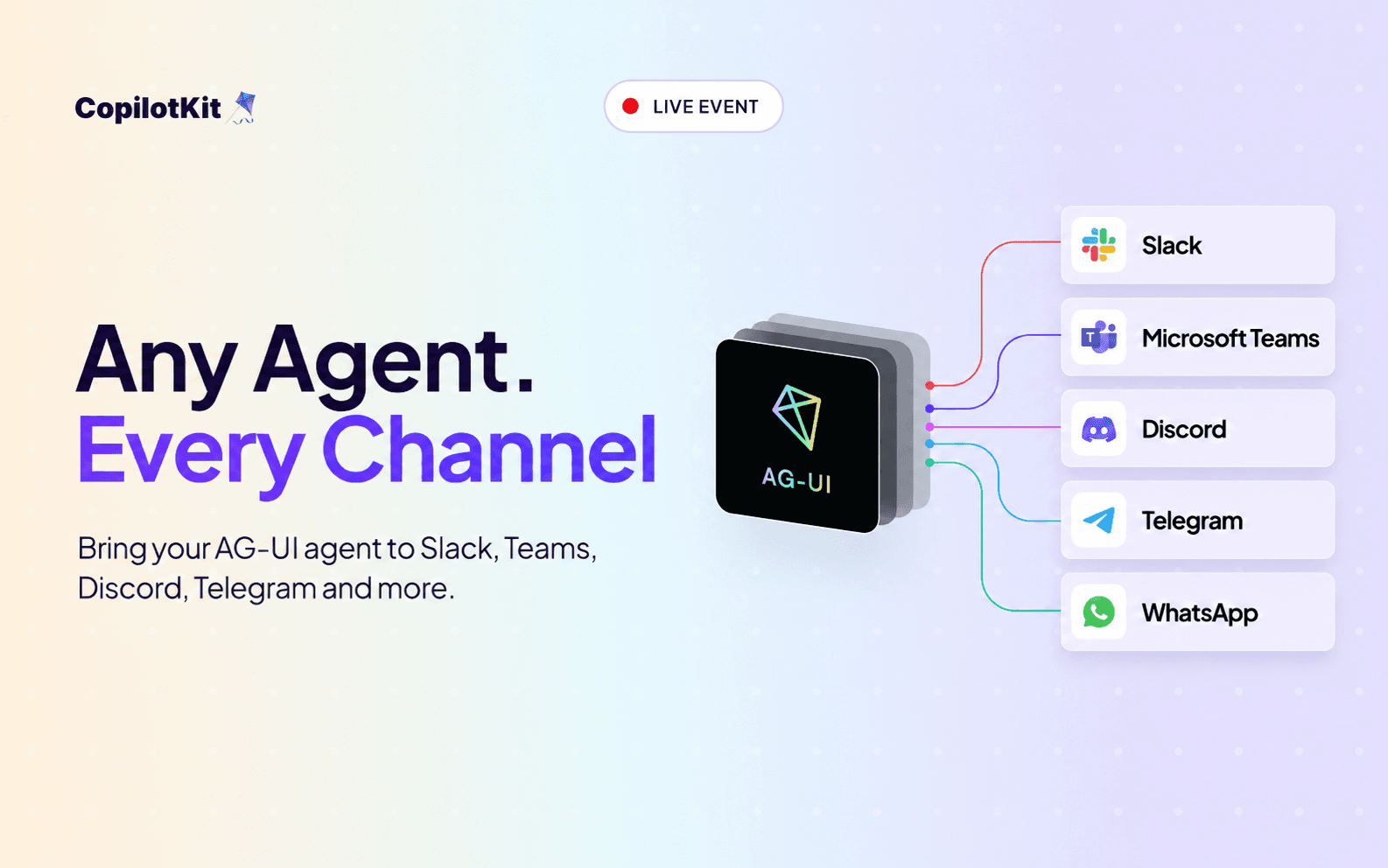
We ran a live webinar where Mike Ryan (engineer and architect) on our team, built a production-ready Slack agent using Mastra from start to finish using Channels SDK.
Following the full production path, including a deployed agent backend, connected through runtime, operated by CopilotKit Intelligence, running natively in a Slack workspace.
Here's the full recording, plus a breakdown of what he covered.
Wire in a LangGraph, CrewAI, Microsoft Agent Framework, or custom AG-UI agent. The backend runs wherever you deploy it and connects through the runtime, so you are not locked to one framework or one host.
Write Channels JSX once, and it renders as native Block Kit in Slack. One definition gives you real Slack UI: sections, buttons, tables. Learn more about our Channels UI component library that gives you all the building blocks.
Tool calls and streamed responses land back in the thread where the work started in. The agent acts where the conversation is happening, so context stays intact across the exchange.
Human-in-the-loop decisions route through Block Kit, right in the thread. Approvals happen in Slack, not on a separate dashboard, so whoever is confirming never has to leave the channel.
Provider connectivity, delivery and retries, and durable channel state keep threads continuous. This is what separates a demo from something you can ship: it holds up when the network drops and when scale hits.
He also took questions live throughout the build, including the ones about auth, edge cases, and what breaks at scale.
The Channels SDK is open source. Bring your own agent into Slack in a few minutes.
Get started by creating a free API key and connecting your first channel.
Talk to our engineers, and we will help you set up.
Follow CopilotKit on Twitter. If you get stuck, reach out in the CopilotKit or AG-UI communities.

Subscribe to our blog and get updates on CopilotKit in your inbox.