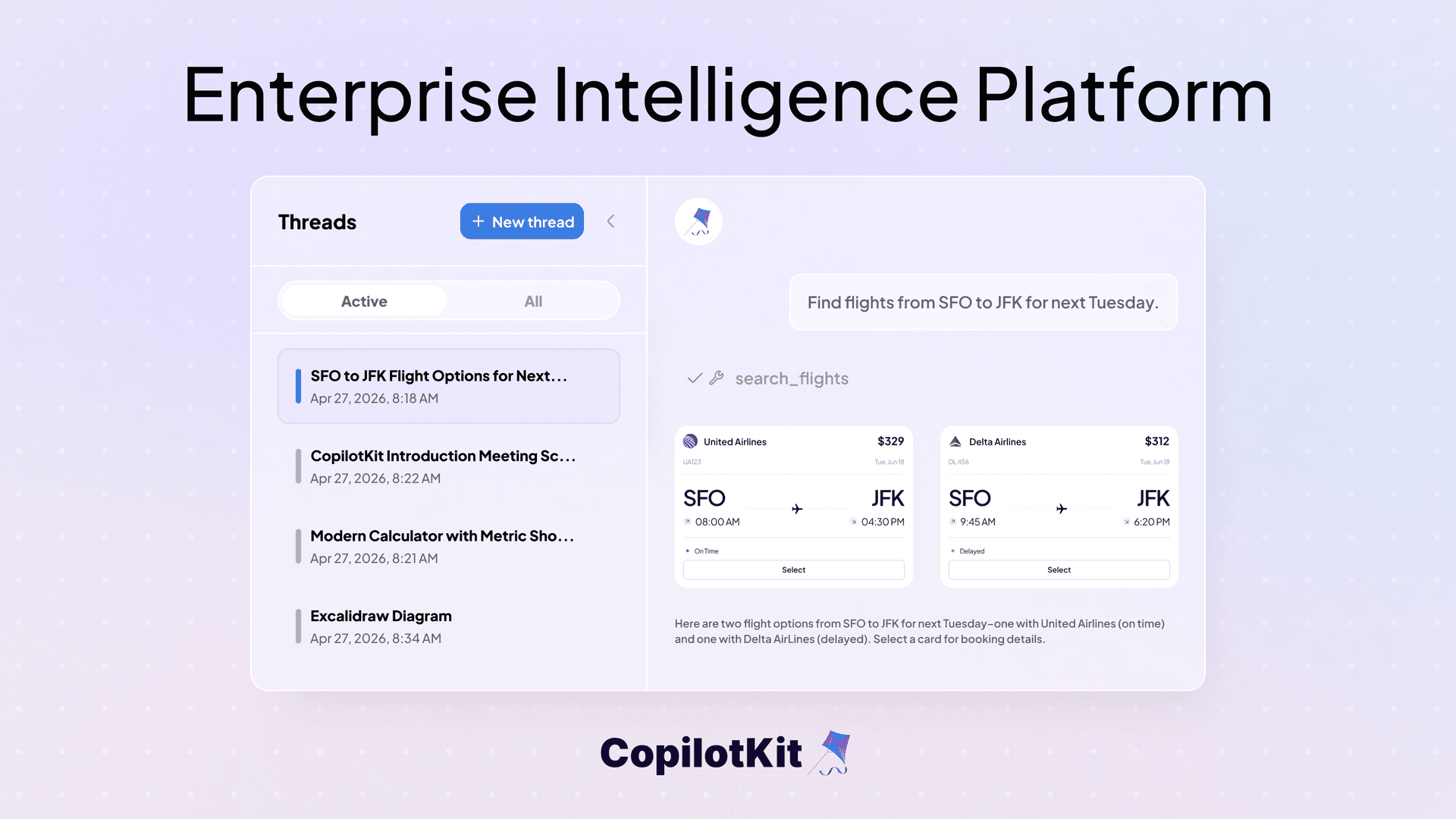
The hardest part of shipping an agent is not the agent.
It's the layer underneath. The one that remembers what the user said yesterday, holds state across devices, prevents two tabs from corrupting the same run, and survives a dropped connection without losing the conversation.
After running with early customers, we're opening up the CopilotKit Enterprise Intelligence Platform to everyone today. It's the layer that powers persistent threads, observability, self-improvement, and more in CopilotKit.
Get started in 60 seconds. The CLI scaffolds a starter app with persistent threads ready to go.
npx -y @copilotkit/cli@latest create
# When prompted, choose: "Yes — enable Intelligence (threads, persistence, insights)"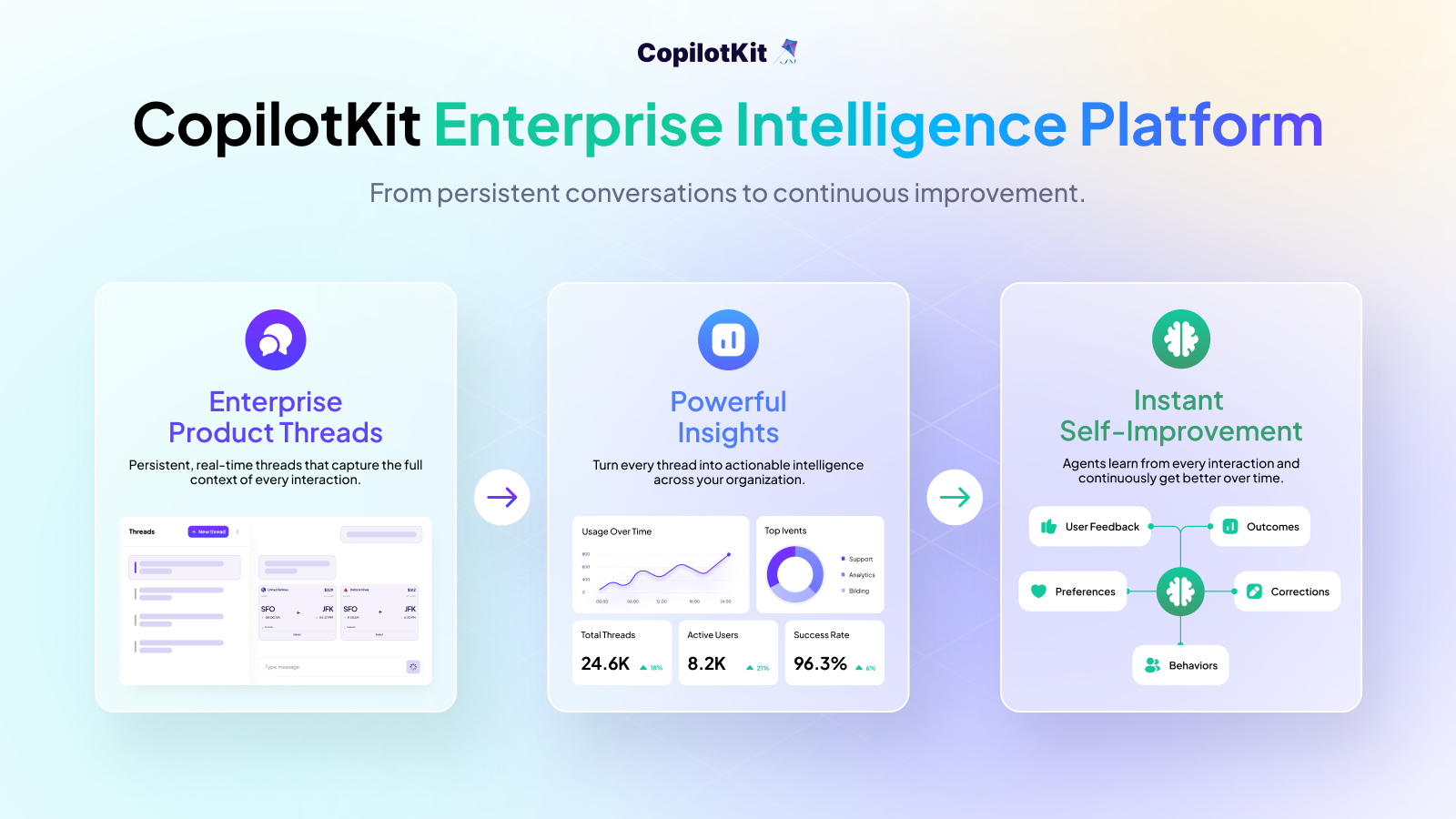
Most agents don't really remember the conversations they have. Each session is one-shot. Fine for a demo. A blocker for any agent loop you want running 24/7, where users come back, switch devices, and expect the thread to be where they left it.
The major frameworks like LangGraph, Mastra, Google ADK, and Microsoft Agent Framework each ship their own persistence. Which works, until you want to switch frameworks, run two side by side, or move from a hosted runtime to your own infrastructure.
Persistence is tied to the framework you picked, so switching means rewriting these from scratch:
Postgres, Redis, WebSockets, replay. Weeks of infra work that have nothing to do with the agent you actually wanted to build.
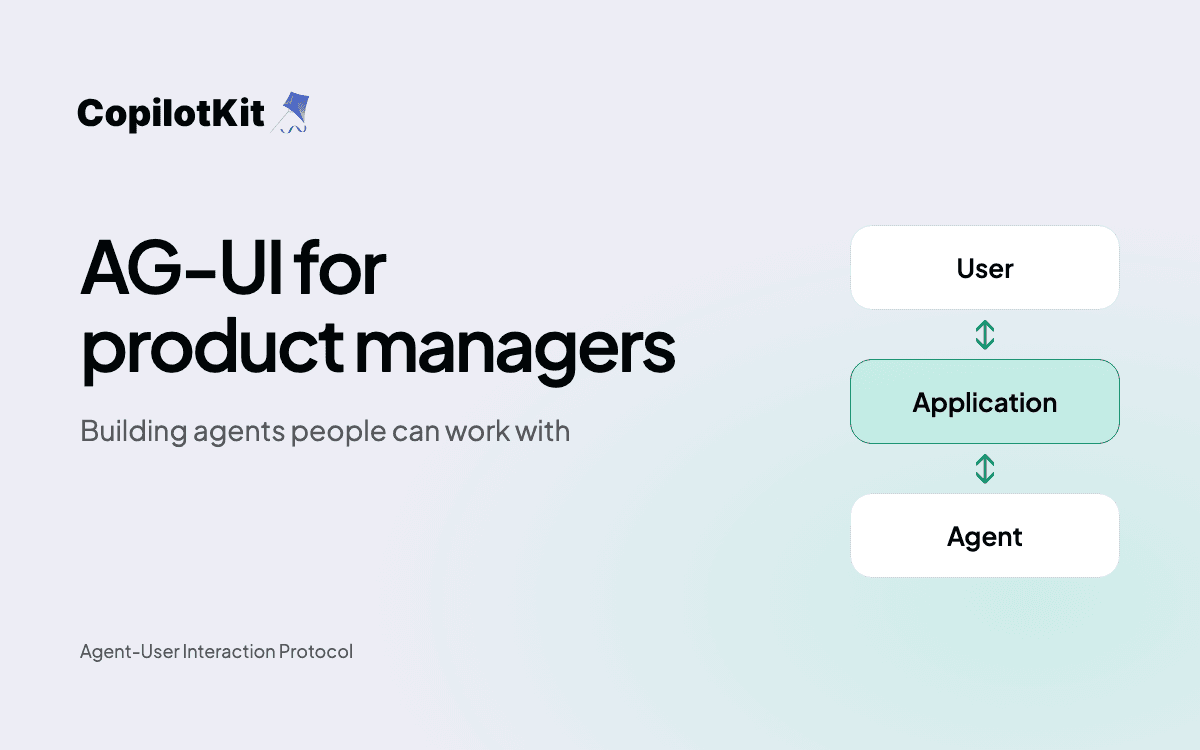
We wrote that layer. It runs on AG-UI (Agent-User Interaction Protocol), so it works with the major agent frameworks.
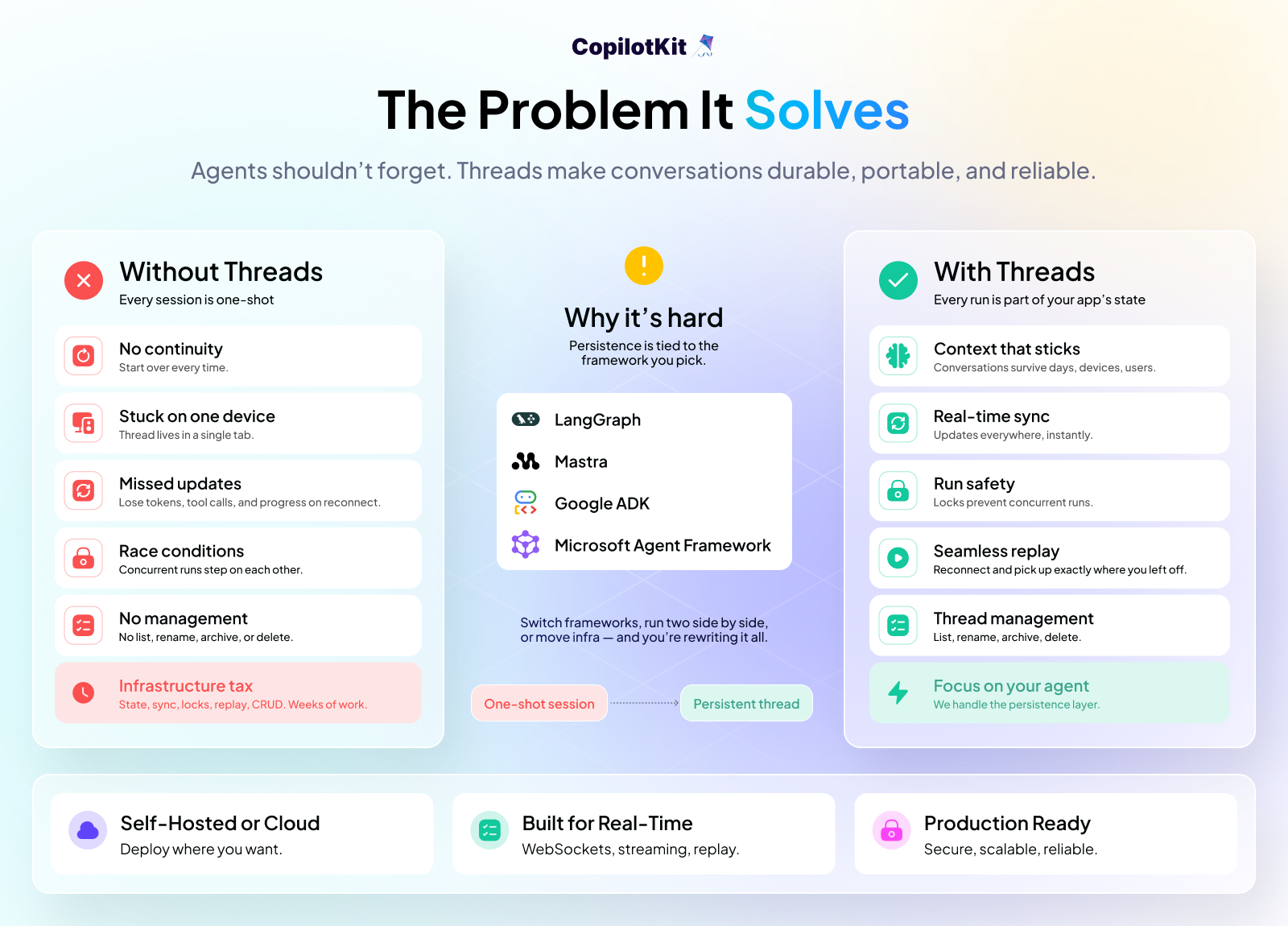
Without this layer, every agent session ends with the tab that ran it. The agent can solve real problems in that session, but nothing carries over to the next tab, the next day, or the next user.
With it, the run becomes part of your application's state, the same way a document, a project, or a user record is.
The whole platform fits behind one hook. Here's what it gives you:
Persistent threads. Every message, tool call, and state change is stored on the server and replayed on reconnect.
Cross-device sync. A thread created or updated on one client shows up on every other client over WebSocket.
Auto-naming. Threads name themselves from their first message, configurable per app.
All of it. In one hook:
const {
  threads,
  renameThread,
  archiveThread,
  deleteThread,
  hasMoreThreads,
  fetchMoreThreads,
} = useThreads();
That's a ChatGPT-style sidebar, without any of the backend work. Read more in the docs.
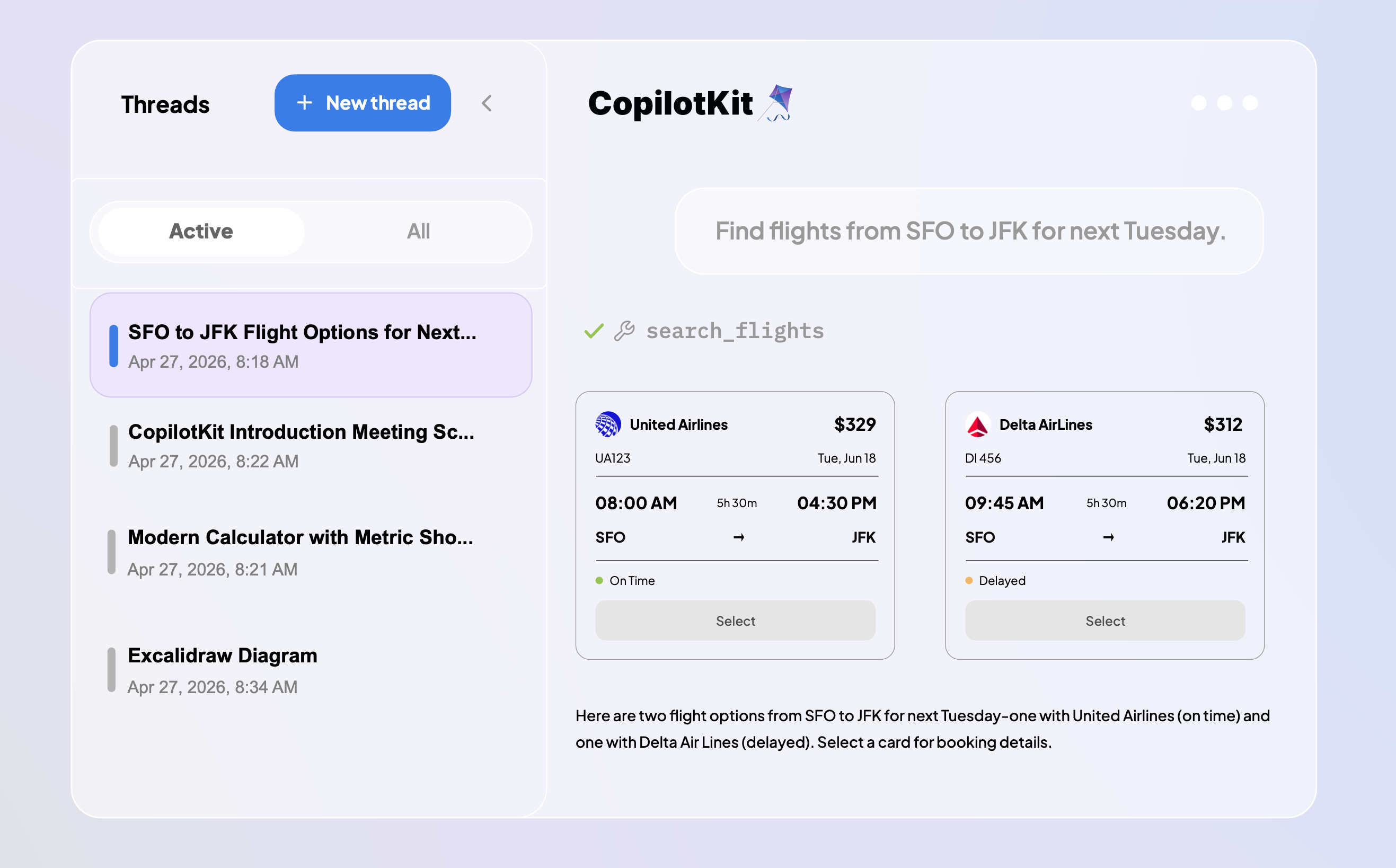
Threads work a little differently in CopilotKit. Runs live on the server and streams over AG-UI, so you can step away from the agent anytime.
If you return later, possibly on a different device, you see the run exactly where the agent is in that moment, still actively progressing.
Agent-user interactions have expanded beyond text. A thread holds everything that happens between the user, the agent, and the app:
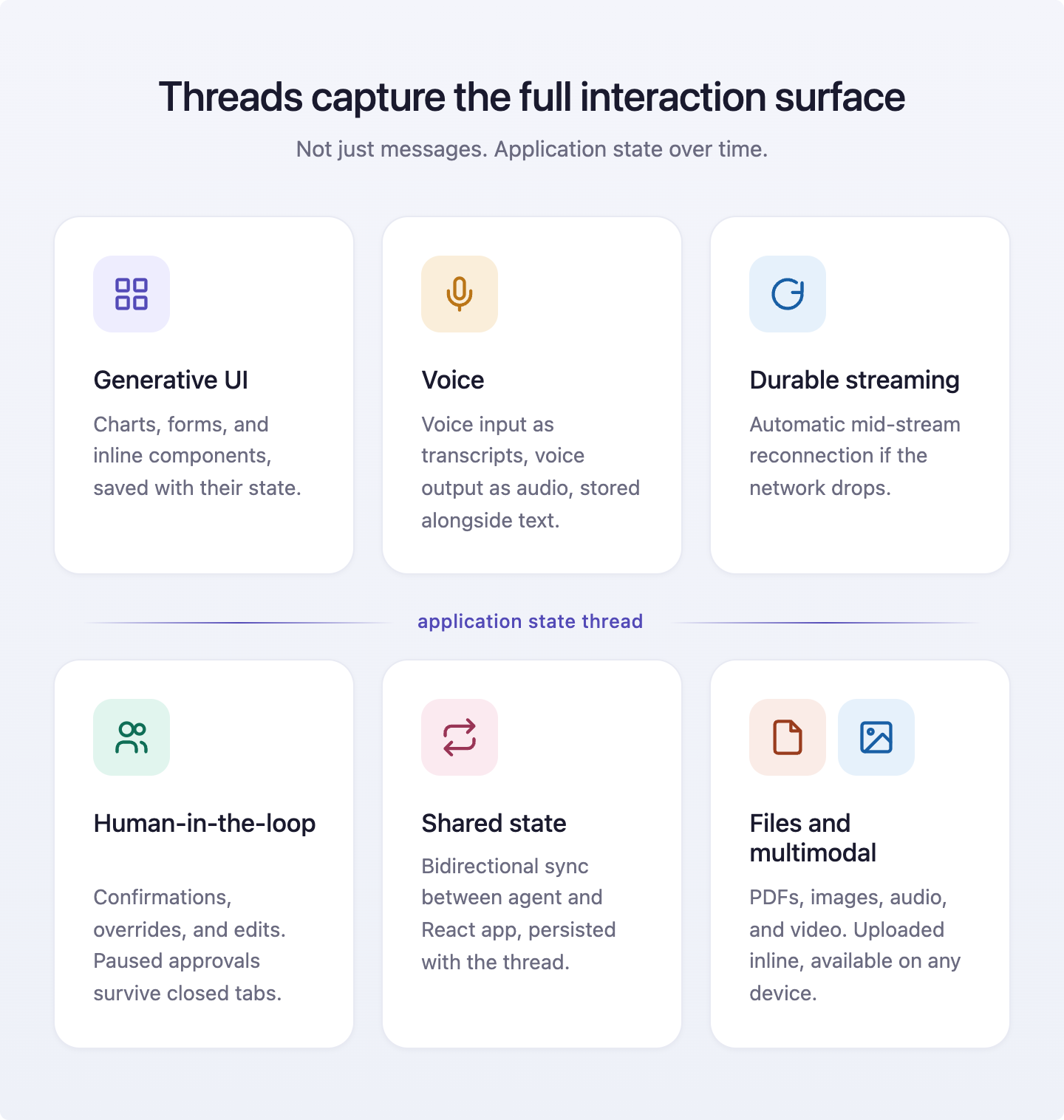
Same features, same code, your choice of deployment.
Self-Hosted. Available now. Deploy on your own Kubernetes with full data sovereignty. License-gated Helm chart, SOC 2 Type II, SSO integration, and air-gapped deployments supported.
The CLI handles onboarding end-to-end. Run it once, authenticate through your browser, and the keys land in your environment automatically. No manual work.
npx -y @copilotkit/cli@latest create
# When prompted, choose: "Yes — enable Intelligence (threads, persistence, insights)"
Enable Intelligence when prompted.
Cluster requirements:
Two example value files ship with the chart: AWS-flavored (ALB + IRSA) and on-prem (nginx). Secret rotation through External Secrets Operator and Stakater Reloader.
Read the self-hosting guide for the full setup.
CopilotKit Cloud. Coming soon. Fully managed, no Kubernetes required.
Four tiers, scaling from a single developer to enterprise compliance:
Full breakdown on the pricing page. Evaluating Enterprise? Book a call with the engineering team.
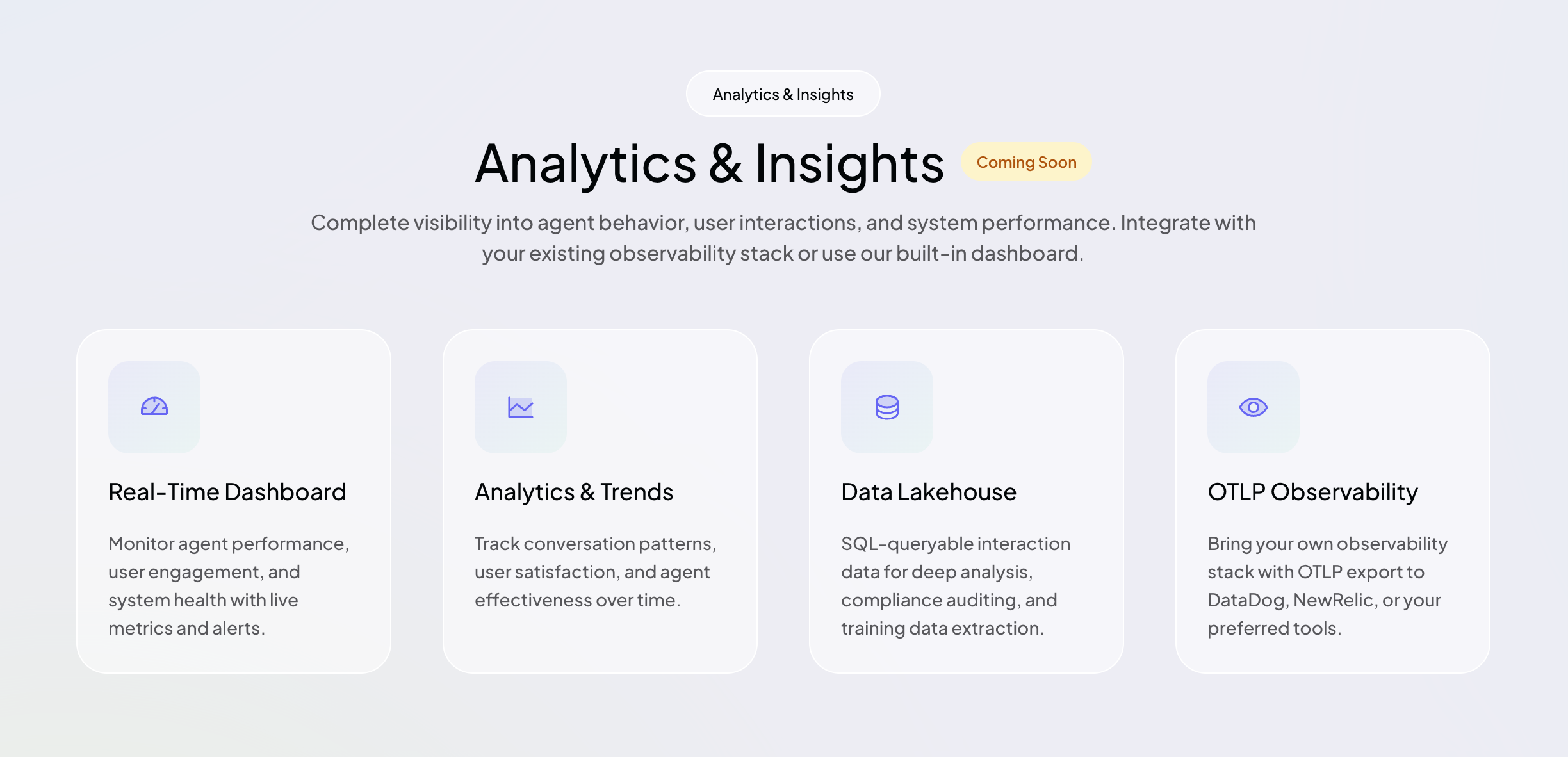
The threads layer captures every interaction. The next two pillars on the roadmap will use that data. Both are in active development. Sign up for early access.
1. Analytics & Insights. Production visibility for agent runs, the kind you already take for granted on HTTP services and background jobs but currently don't have for agents.
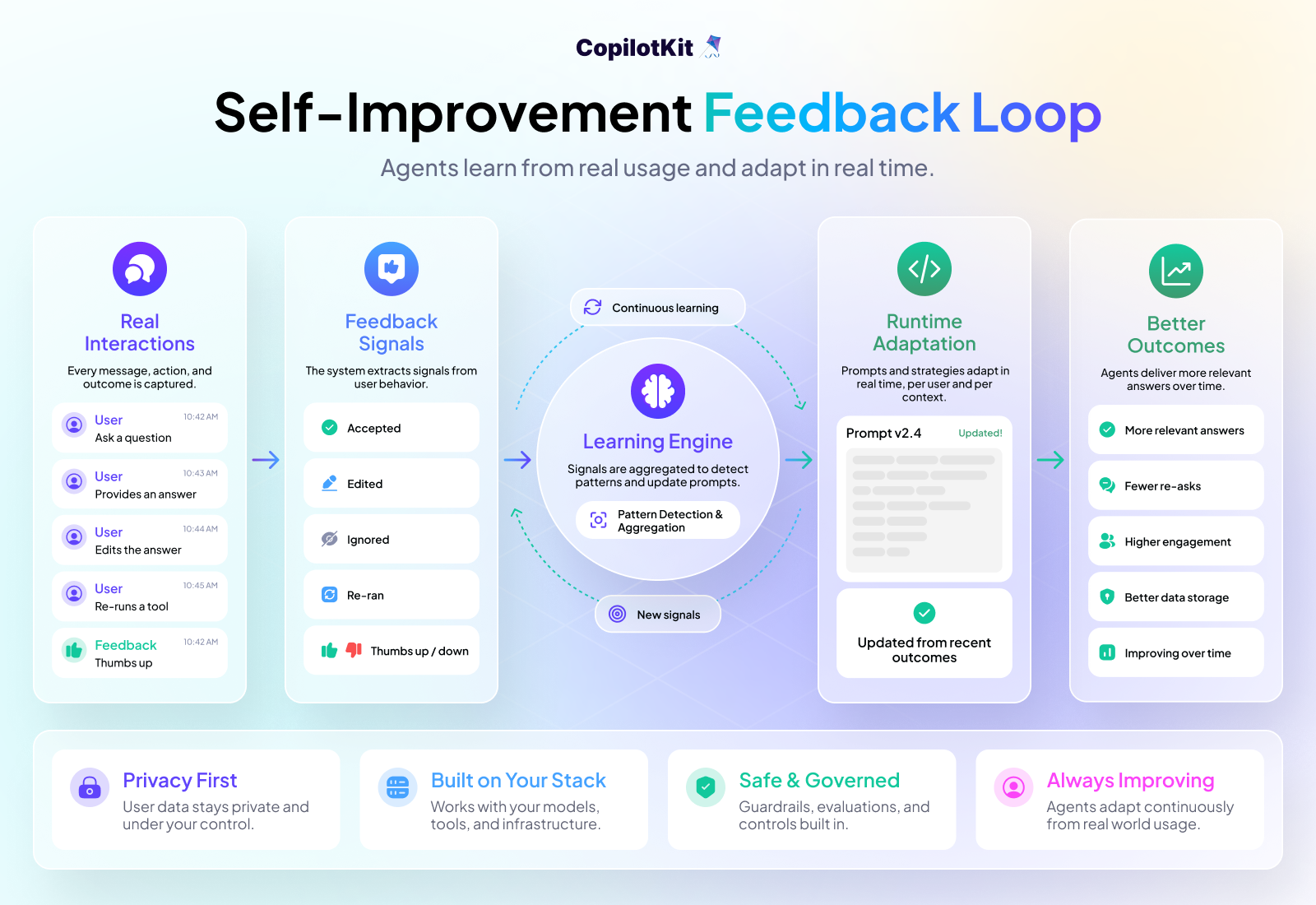
2. Self-Improvement. Right now, agents stay exactly as smart as the day you shipped them. If the agent makes the same mistake every time a user tries to export a CSV, it keeps making that mistake until you notice, trace it back, patch the prompt, and redeploy.
Every user action in production is a learning event for the agent: which answers they accept, which they edit, which they ignore. All of it flows through AG-UI as typed events and lands in the thread layer. The Self-Improvement pillar turns that into prompt-level adjustments at runtime, per user and per context. We call this Continuous Learning from Human Feedback (CLHF). The agent gets better from real usage, without the labeling pipelines or fine-tuning cycles you'd normally need to ship a smarter model.
This is the loop Cursor used to build Composer. Every developer interaction was implicit training data. CopilotKit brings that loop to your app, on top of AG-UI.
A starter app with Enterprise threads enabled, in under a minute:
npx -y @copilotkit/cli@latest create
# When prompted, choose: "Yes — enable Intelligence (threads, persistence, insights)"Building something at scale or evaluating an enterprise deployment? Talk to our engineers.
Join the CopilotKit or AG-UI communities to follow along or help shape what ships next.

Subscribe to our blog and get updates on CopilotKit in your inbox.