AG-UI now has a first-class integration for Google Antigravity.
Google Antigravity is Google's agent SDK. It gives your code the same agent harness powering Google's products, tuned for Gemini, with built-in tools to read and edit files, run shell commands, and hand work to subagents.
With the Antigravity AG-UI integration (ag-ui-antigravity), any Antigravity agent connects to an AG-UI frontend like CopilotKit, and every step it takes streams live to your app.
That puts Google's harness a few lines away from your users, in your web app, Slack or Teams. For the complete integration and setup, see the Google Antigravity docs.
Antigravity's harness runs as its own process next to your Python code and does the file and shell work itself.
AG-UI (Agent-User Interaction Protocol) is the open protocol between agents and user-facing apps. The integration turns each step the harness reports, from text and reasoning to tool calls and sub-agents, into AG-UI events.
CopilotKit renders them as they arrive over SSE, and your messages and approvals go back the other way. Here's the flow!
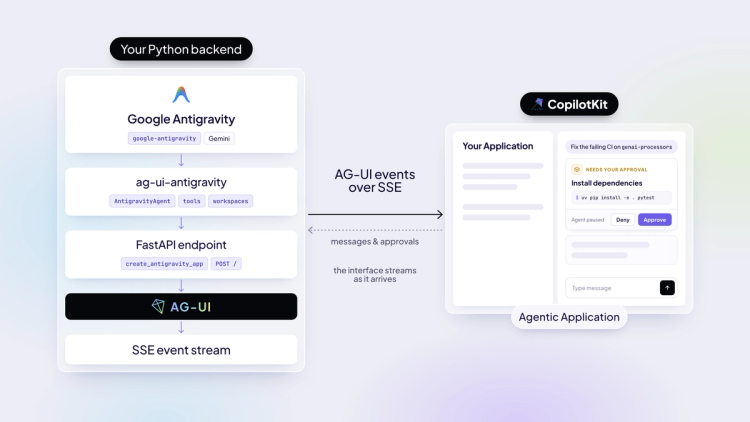
The integration covers the features CopilotKit builds on, so an Antigravity agent works like any other AG-UI agent in your app:
With CopilotKit, you also get headless UI and voice, plus persistent threads and automatic learning from user actions and agent traces via CopilotKit Intelligence.
The agent runs as a small Python server. Install ag-ui-antigravity, which brings Google's SDK and its harness with it.
pip install ag-ui-antigravityWrap your agent in AntigravityAgent and serve it with create_antigravity_app, which returns a FastAPI app that speaks AG-UI.
from ag_ui_antigravity import AntigravityAgent, create_antigravity_app

agent = AntigravityAgent(
    model="gemini-3.6-flash",
    api_key="...",                       # or GEMINI_API_KEY in the environment
    system_instructions="You are a helpful assistant.",
    workspaces=["/path/to/a/sandbox"],
)

app = create_antigravity_app(agent, path="/")
workspaces keeps the agent's file tools inside the folders you name, so point it at a sandbox.
Then register the agent with the CopilotKit runtime. HttpAgent sends each run to the Python server over AG-UI.
// app/api/copilotkit/route.ts
import { HttpAgent } from "@ag-ui/client";
import { CopilotRuntime, createCopilotRuntimeHandler } from "@copilotkit/runtime/v2";

const runtime = new CopilotRuntime({
  agents: { antigravity: new HttpAgent({ url: "http://127.0.0.1:8000/" }) },
});

const handler = createCopilotRuntimeHandler({
  runtime,
  basePath: "/api/copilotkit",
  mode: "single-route",
});

export const POST = handler;
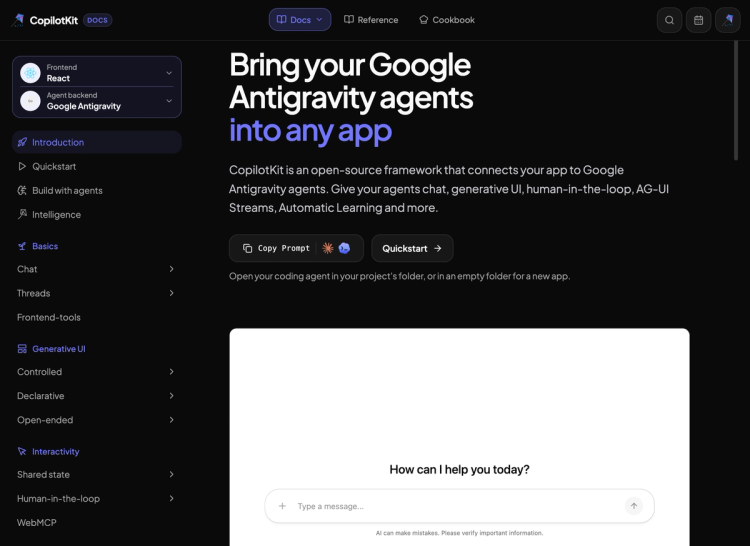
On the frontend, wrap your app in <CopilotKit> and render <CopilotChat> pointed at the agent. The quickstart docs have the full setup code.
Try every feature live in the CopilotKit Dojo, each one running against a real Antigravity agent, before you write any code. The AG-UI Dojo shows the same features at the protocol level.
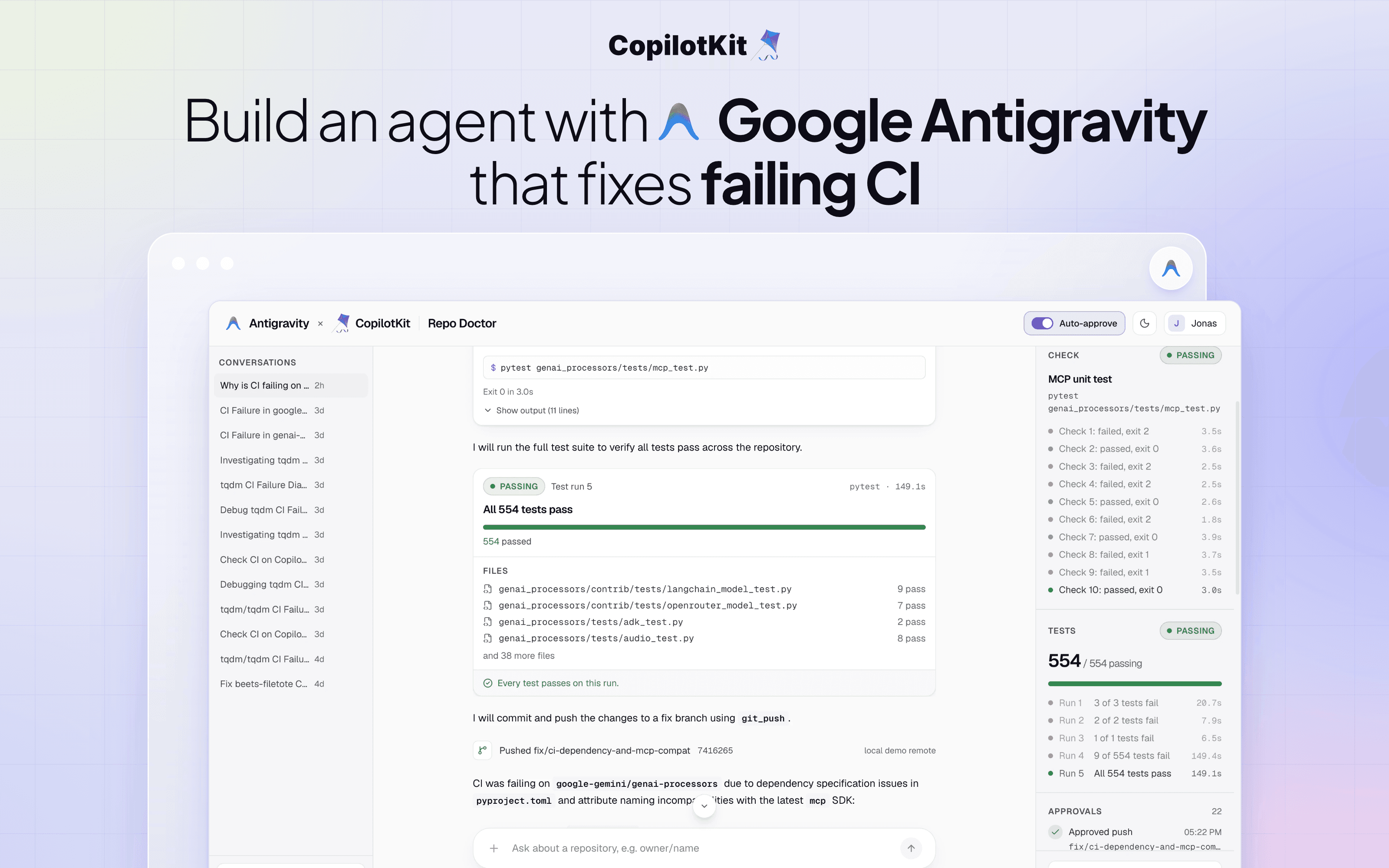
To see it in a real product, OpenBot, our open-source AI coworker app, ships Antigravity as one of its Bots. Pick Google Antigravity as the framework, add a Gemini key, and your coworker runs on Google’s harness.
Here it is in action!
Antigravity brings Google’s harness to your own code, and AG-UI brings it to your users. We can’t wait to see what you build with them!
ag-ui-antigravity on PyPIShipping an Antigravity agent to your users? Talk to our team.
Follow CopilotKit on Twitter for updates. If you get stuck, reach out in the CopilotKit or AG-UI communities.
Subscribe to our blog and get updates on CopilotKit in your inbox.



