AI agents visiting your site can now use it — not just look at it.
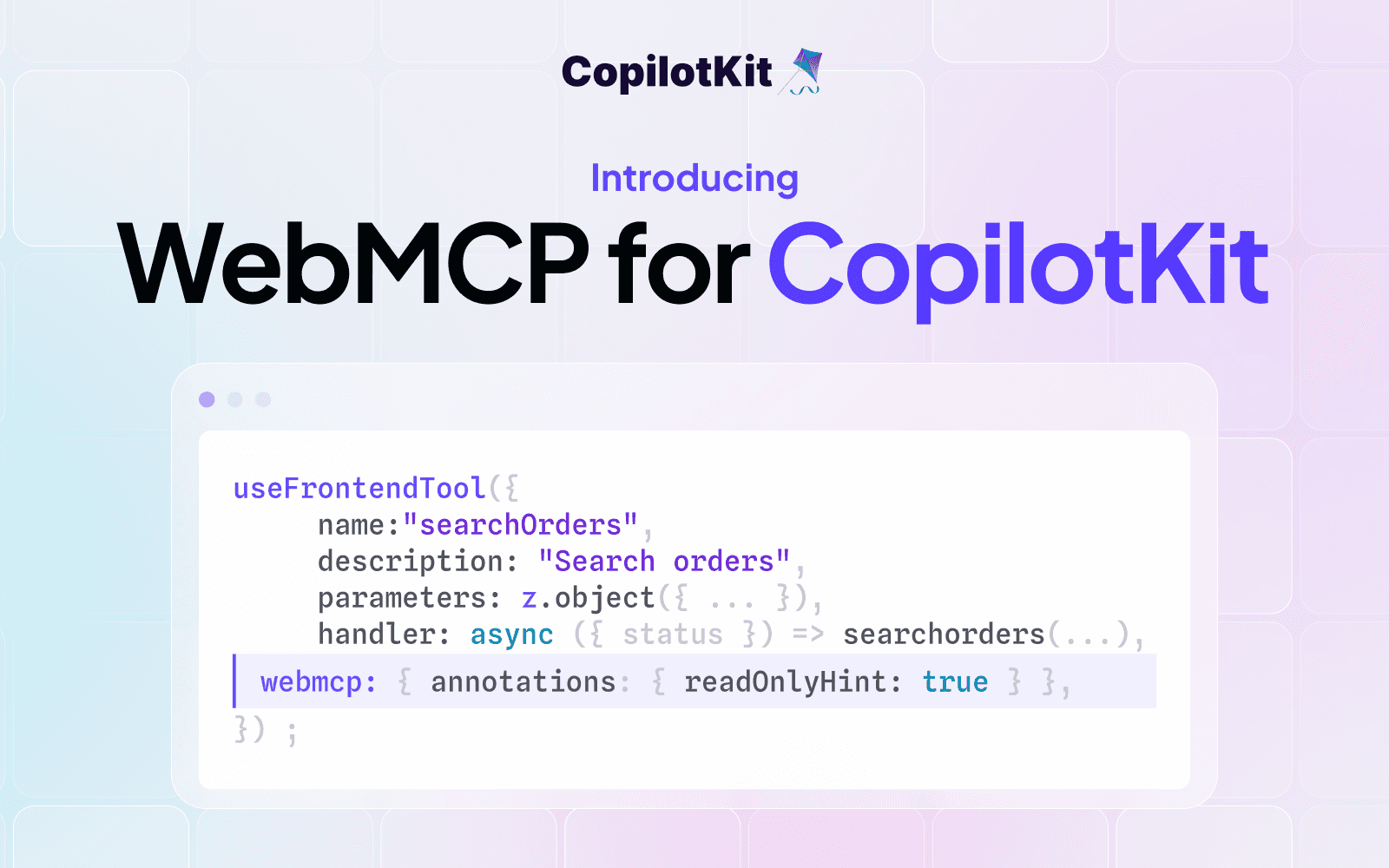
Today we're shipping WebMCP support in CopilotKit. Any tool you register with useFrontendTool becomes discoverable and callable by any WebMCP-compatible browser agent — ChatGPT Atlas, Comet, Dia, and whatever comes next — alongside your own in-app copilot.
CopilotKit is now the best place to build for WebMCP. Two reasons:
If you already use CopilotKit, WebMCP is one field on useFrontendTool. Same API, DX, and auto-lifecycle.
useFrontendTool({
  name: "searchOrders",
  description: "Search orders by status",
  parameters: z.object({
    status: z.enum(["open", "shipped", "delivered"]),
  }),
  handler: async ({ status }) => searchOrders(status),
  webmcp: { annotations: { readOnlyHint: true } },
});
Opt-in per tool. Auto-register and unregister on mount. Built-in annotations so agents know what's safe to call. React, Vue, Angular, React Native and more. Graceful fallback in SSR and unsupported environments.
CopilotKit isn't just a way to expose tools — it's how you build the in-app agent that uses them. Ship an agent that speaks your WebMCPs and supports:
Drop this into Cursor, Claude Code, or your AI coding tool of choice:
Set up WebMCP in this project using https://docs.copilotkit.ai/webmcp.
First inspect the app and extend its existing CopilotKit setup if present; do not add a backend agent solely for WebMCP. If I haven’t specified a tool, ask what I want to expose. If I don’t have one in mind, add a small, read-only demo tool that fits the app. Finish by verifying that a compatible browser can discover and call it.
This is open source and requires just one line of config.
Want to bring CopilotKit into your stack? Talk to our engineers and we'll help you set it up.
Follow CopilotKit on Twitter for updates. If you get stuck, reach out in the CopilotKit or AG-UI communities.
Subscribe to our blog and get updates on CopilotKit in your inbox.