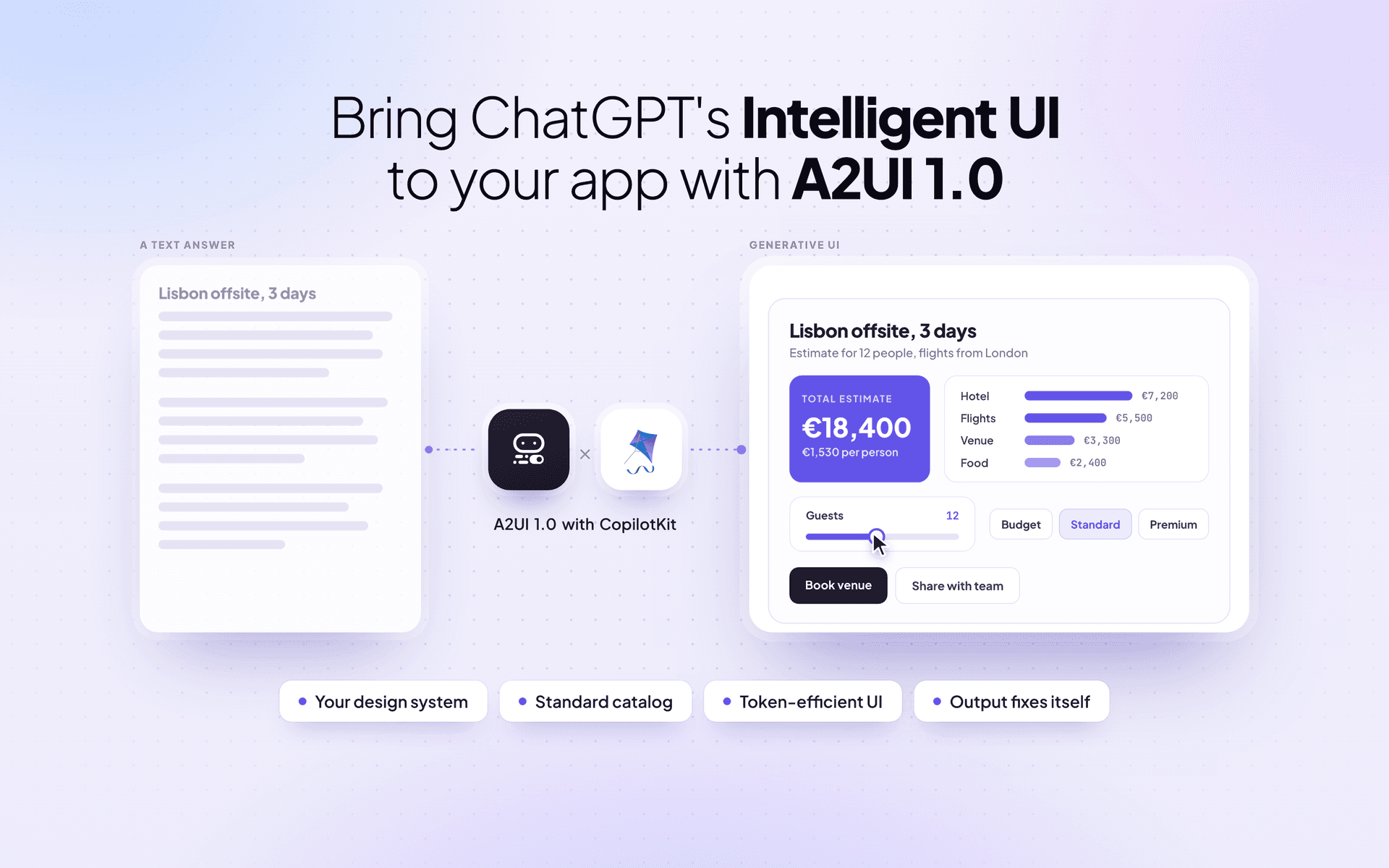
In October, OpenAI brought Intelligent UI to ChatGPT, and generative UI became the default experience for millions of users.
ChatGPT now answers with charts, calculators and interactive tools, picked to fit each question. But it's closed, runs only on OpenAI's models and lives only inside ChatGPT. There's no API to bring it into your own product.
Today, you can build Intelligent UI into your own app, on any agentic stack. Our new Generative UI is built on Google's A2UI 1.0, and it takes just two lines of code. Your agent answers with your own components, using any model and any agent framework.
In this post, we'll cover what Intelligent UI looks like in your app, the hard part of getting it right, and how to add it today.
With Intelligent UI in GPT-6, OpenAI made answers visual and interactive. Everyday questions get clearer, complex topics get easier to learn, and ChatGPT can build a tool for the task right in the moment.
For decades, people have had to learn fixed interfaces built around particular tasks. Generative UI is slowly changing that. As OpenAI puts it: “Instead of people adapting to software, software will adapt to people.”
That shift shouldn't stop at ChatGPT. Your users can get the same kind of answers inside your product, built from your own components: comparisons as tables, plans on a map and working tools whenever there's math to do.
Every interaction runs in the browser, at zero extra tokens.
This is the part most teams are struggling with right now.
You don’t want your agent building interfaces that don’t feel like part of your product. Usually the agent builds a chart or a form, but the fonts, colors and components aren’t yours.
Even OpenAI ran into this. Andrew Chen from their design team wrote after the launch that “the hardest part of generative UI isn’t generating the UI”. The real challenge was “getting it to feel like it actually belongs in ChatGPT”.
Generative UI is now live in Claude as Artifacts and in ChatGPT as Intelligent UI, so users will expect it from every agentic product. It should be built with what your team already has:
A2UI 1.0 solves exactly this. The agent builds answers only from your catalog, so every agent response looks like the rest of your product.
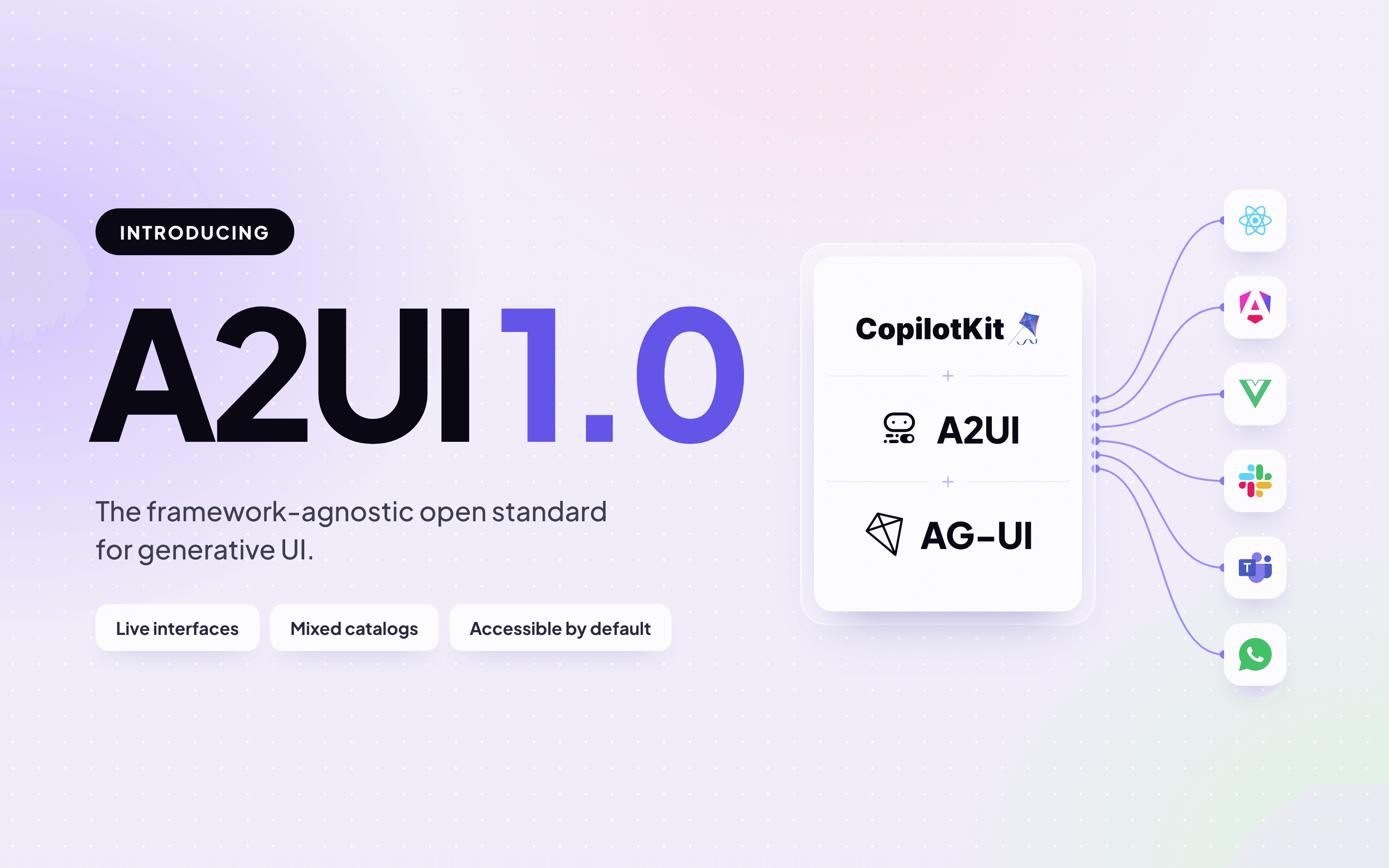
You can bring Intelligent UI to your app on any agentic stack with CopilotKit. It’s built on AG-UI (Agent-User Interaction Protocol), the open protocol that connects agents to user-facing apps.
AG-UI works with LangChain, Mastra, Google ADK, Claude Agent SDK, Antigravity and more. CopilotKit renders the UI in React, Angular, React Native and many other user-facing surfaces.
Our new Generative UI in CopilotKit ships with a standard catalog of 70 ready-made components: all 18 A2UI basics plus 52 of ours, from tables and charts to maps and forms. Install CopilotKit:
npm install @copilotkit/react-core @copilotkit/runtimeThen pass the catalog to your CopilotKitProvider, and your agent can pick components from it to build interactive UI in real time.
import { standardUI } from "@copilotkit/react-core/v2/generative-ui";

<CopilotKitProvider runtimeUrl="/api/copilotkit" generativeUI={{ ui: standardUI }}>Inside the chat, the agent can stream UI right into its answer with markdown mode, or render it through a tool call, the familiar pattern that works with any agent.
Surfaces take it beyond the chat. Wrap any part of your page in GenerativeUISurface, and the agent can render there, with your own content as the fallback. Each user can get a dashboard rebuilt around what they need, using your components.
Alem walks through Surfaces in this video.
The standard catalog is a starting point. Restyle any component with your own theme, or swap it for yours.
To add your own components, register them with createGenerativeUI. Each one gets a description that tells the agent when to use it, plus typed props:
import { z } from "zod";
import { createGenerativeUI, standardUI } from "@copilotkit/react-core/v2/generative-ui";
import { ProductCard } from "./ProductCard";

export const appUI = createGenerativeUI({
  id: "acme/app@1",
  extends: [standardUI],
  components: {
    ProductCard: {
      component: ProductCard,
      description: "One product. Copy every value from a product in a tool result.",
      props: z.object({ name: z.string(), price: z.number(), imageUrl: z.string() }),
    },
  },
});
extends keeps the standard catalog next to yours, so one answer can use both. Then pass appUI to your provider.
<CopilotKitProvider runtimeUrl="/api/copilotkit" generativeUI={{ ui: appUI }}>Every piece the agent sends is checked against your catalog. When something doesn’t match, the agent gets the reason and fixes it on the next turn, so your users never see a broken component.
A2UI 1.0 is the first stable version of Google's open standard for generative UI. We've worked closely with Google's A2UI team since the first release, and we're proud to be a launch partner.
A few upgrades in A2UI 1.0 make Intelligent UI even better:
Read everything that’s new in A2UI 1.0 for the full breakdown.
A2UI 1.0 travels over AG-UI, so with CopilotKit you can bring it to any agent framework and any user-facing surface.

The fastest way to see all of this is the A2UI Playground, the place Google's launch blog sends new developers.
Gemini writes the UI live in A2UI Express, and you can switch between CopilotKit, shadcn and Material 3 to see the same answer in each design system. When you're ready, copy one setup prompt to add A2UI to your app, or grab the skill to bring it into your own agent. No API key needed.
Intelligent UI shouldn't live in one chat app. With A2UI 1.0 and CopilotKit, you can bring it to your own product, with your components and any agent. We can't wait to see what you build.
To learn more:
Follow CopilotKit on Twitter for updates. If you get stuck, reach out in the CopilotKit or AG-UI communities.
Subscribe to our blog and get updates on CopilotKit in your inbox.



