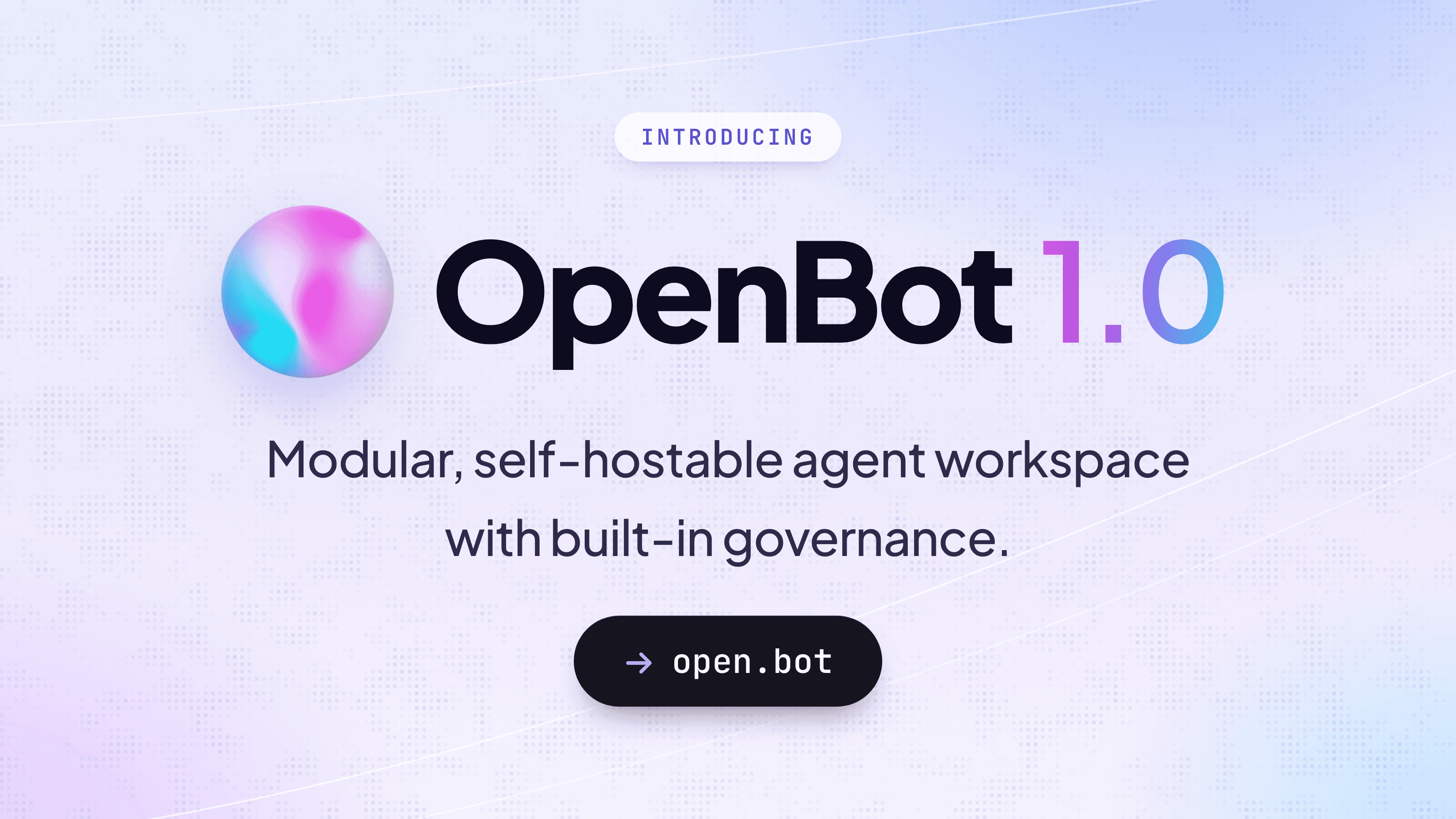
Getting an AI agent to finish a task is the easy part now. Letting one loose on a company's real systems is harder, because IT asks questions first: what is this agent allowed to do, what record does it leave, and where does our data go? OpenBot™ for Business, the company edition of OpenBot by CopilotKit, is built around those questions.
OpenBot is a modular, self-hostable workspace where people hand work to AI coworkers that browse the web, use company apps and run routines on a schedule. The business edition wraps them in what a company needs: single sign-on (SSO) through your identity provider, such as Google, Microsoft or Okta, roles, approvals, cost controls and a full audit trail, on infrastructure you choose.
One gateway checks your rules before every agent action, and deny always wins. The unusual part is how those rules get written. An administrator types a boundary in ordinary words, such as a ban on common social media sites, and OpenBot turns the sentence into a rule in Google's Common Expression Language. (watch at 19:38) Before the rule is added, it explains the rule back in plain English, lists the tools it will check, and can test it against the last 200 recorded actions. (watch at 20:37)
"You don't have to learn policy language. You could do it all in English across the board,"
Said David McKay, Head of Forward Deployed Engineering, CopilotKit, in the OpenBot webinar.
David McKay and Guido Vizoso, the two people responsible for OpenBot, came from an anti-money-laundering and transaction monitoring firm, and McKay's advice is not to put a rule in place until you know what it would stop. (watch at 21:11)
Approvals are written the same way. A team rule that agents check with the user before sending Gmail covers sending, replying to a thread and forwarding. (watch at 21:42) Rules can cover the company, a team, one agent or one person. An administrator can also ask what would happen before it happens. In the demo, asked whether the general assistant could send Gmail without prompting, the workspace listed the controls that applied and answered that it would ask first. (watch at 28:00)
Out of the box, OpenBot is trusting on purpose: the default action policy allows every action until an administrator writes rules. (watch at 35:35)
"Governance is built in from zero."
David McKay, Head of Forward Deployed Engineering, CopilotKit
Every action, allowed or refused, is recorded with who started it, and the record streams to your security information and event management (SIEM) system. Agents act under the identity of the person who started them, so each action can be audited and nothing runs anonymously. A service account is also possible. (watch at 36:59)
The audit log takes questions in plain English too, so finding the last 12 hours of agent actions needs no filters. (watch at 24:23)
Example screen with a sample company and sample data.
OpenBot for Business runs on your own servers by default: your AWS or Azure network, Google Cloud, or any Kubernetes cluster, installed with one Helm chart. (watch at 11:41) The files and stored credentials stay where you install it, and hosting by CopilotKit is in early access. Air-gapped installs come with the annual plan. When an agent uses an outside model, the calls go to the model provider you choose.
Nor is it tied to one way of building agents. Any agent that speaks AG-UI, the open standard CopilotKit created, joins as an AI coworker without a rebuild. (watch at 05:13) It ships with its own agent harness so a team can start at once, and it is built to be white-labelled: CopilotKit's engineers can rename it, reskin it and customize how it works. (watch at 08:20)
The free desktop app for Mac and Windows bundles the whole backend, so one person can try it alone. (watch at 10:57)
The 54-minute recording of the November 12, 2026 live event, "AI Governance, Control & Ownership," has the full demo and the audience questions. Nathan Tarbert, Senior Developer Relations Engineer at CopilotKit, hosted McKay and Vizoso (Engineering, CopilotKit).
Video: the webinar recording, embedded here from the CDN. The file is at https://cdn.copilotkit.ai/webinars/2026-11-12-openbot-for-biz/recording.mp4. The thumbnail image address is still to come.
Key moments:
Yes. It runs on your own servers by default, and hosting by CopilotKit is in early access. (watch at 11:41) Read about the components and deployment.
It is free for personal projects. On the pay-as-you-go plan, OpenBot for Business costs up to $29 per active user per month, and nobody is billed for a month in which they did not use it. (watch at 12:08) The annual plan is custom priced. Your model provider bills model usage separately, and a 5% charge applies to monthly model spend above $5,000 per organization; details are on the pricing page.
Yes. The application source is MIT-licensed. OpenBot for Business has its own license, which covers CopilotKit Intelligence to run it, and the service terms for the complete offering are separate from the source license.
Yes. An agent built with LangChain, Google ADK, Microsoft Agent Framework or a similar framework joins as is, given its address and, if it requires one, a bearer token. (watch at 49:45)
You choose: OpenAI, Claude, Gemini or Grok, open models such as DeepSeek and Mistral, or any OpenAI-compatible server. The browser features need a vision model. (watch at 31:11)
Yes. Any OpenAI-compatible endpoint works, including gateways such as LiteLLM and Amazon Bedrock. (watch at 30:40)
Yes. Give it the URL of any server that follows the MCP specification. Servers that need an OAuth sign-in work too. (watch at 33:33)
Yes. An OpenAPI endpoint, designed for agents as well as people, lets you configure agents and work with them from code without a language model in between. (watch at 32:45)
As the user, so each action can be audited. A service account is also possible, and some connected services support only one of the two. (watch at 36:59)
By default, agents share one computer per person. An agent created as "Isolated" gets a computer of its own. (watch at 34:47)
No. The default action policy allows every action until an administrator writes rules. (watch at 35:35)
Yes, but only when you allow it. An administrator sets which agent can reach which, and connections set up inside the workspace are governed; a link you build between two agents outside it is yours to manage. (watch at 35:14)
OpenClaw is built for a personal agent experience, and OpenBot by CopilotKit is a workspace built for business. The bigger difference is the harness: it ships with one so people can start, but the agent software doing the work can be your own. (watch at 44:18) Read the full comparison with OpenClaw.
We're working with IT teams ready to roll out AI coworkers across their company, and your feedback shapes what we build next.
OpenBot is free for developers, and you can run it on your own machine today from openbot.co. For company sign-in, central controls, the audit trail and support from our engineers, book a 25-minute meeting to see OpenBot for Business in action. Our engineers will build your first coworker with you.
To learn more:
Stop renting your AI. Own it.
Follow CopilotKit on Twitter for updates. If you get stuck, reach out in the CopilotKit or AG-UI communities.
Subscribe to our blog and get updates on CopilotKit in your inbox.



